




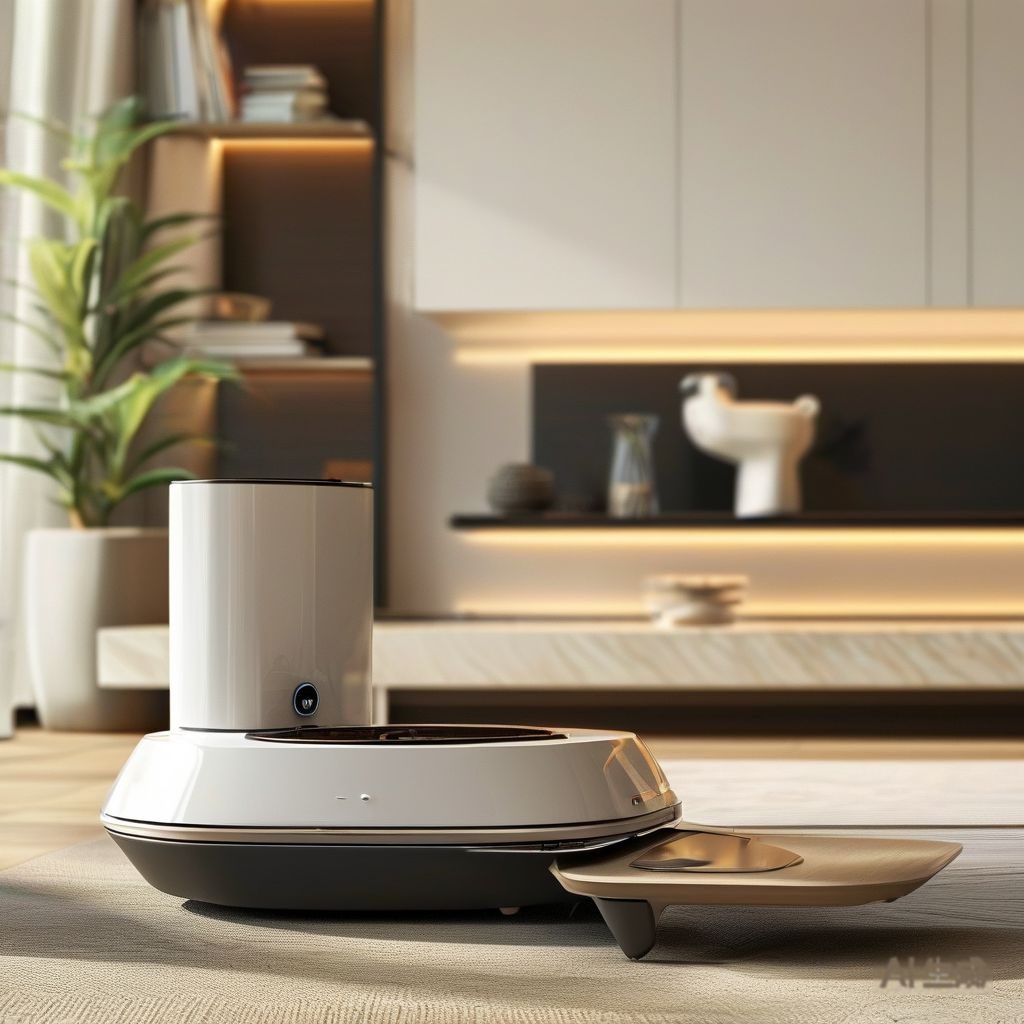
“Works with Alexa” on a pet feeder box can mean almost anything, from a full scheduling interface to a single voice command that dispenses a treat. If you are buying an automatic feeder for smart-home integration, the useful question is not whether it works with Alexa, but what the integration actually lets you do. This guide separates the capabilities that matter from the marketing.
What “works with Alexa” actually means
There are two different integration paths behind that badge, and they behave very differently.
| Integration type | How it works | What you get |
|---|---|---|
| Vendor skill / action | Feeder’s cloud service connects to the voice assistant | Voice commands plus routines, depends on the vendor’s cloud staying up |
| Direct local control | Assistant talks to the feeder on the local network | Works without internet, fewer features |
| Third-party hub bridge | A hub platform translates between systems | Flexible, adds a failure point |
The distinction matters because the first option — the most common one — routes every command through the manufacturer’s cloud. If that service is down, the voice control is down, even though the feeder’s own schedule keeps running.

What integration does and does not do
Integration is genuinely useful for three things and useless for a fourth that people expect it to do.
What it does well
- Schedule changes without opening the app. “Feed dinner 30 minutes later” is the single most-used command, and it is the one that justifies the integration.
- Routines and triggers. Feeding tied to a wake-up routine, a bedtime routine, or a location trigger.
- Notifications. A push when a meal is dispensed, or when the food level is low, which is what actually catches a jam before it becomes a missed meal.
What it does not do
- Verify that the pet ate. Almost no consumer feeder confirms consumption. It confirms that food was dispensed, which is not the same thing.
- Replace a camera. If the reason for buying is monitoring, the feeder integration is secondary to the camera.
The protocols in play
Most consumer feeders connect over 2.4 GHz Wi-Fi only. That single detail causes more setup failures than everything else combined, because most home networks now default to 5 GHz and many phones do not let you pick a 2.4 GHz SSID if the router uses one name for both bands.
- 2.4 GHz Wi-Fi — the near-universal requirement. Check your router’s band separation before you buy.
- Bluetooth — usually setup only, not ongoing control.
- Matter / Thread — appearing in newer products, promising local control without vendor cloud dependency. Still not universal.
Setup checks that prevent most failures
- Confirm the band. If your router uses one SSID for both bands, either separate them temporarily or move the feeder close to the router during setup.
- Set the schedule on the feeder itself first. Get the hardware working standalone, then add the integration. That way a connectivity problem never becomes a missed-meal problem.
- Enable the notifications. The low-food and dispense alerts are the highest-value feature of the integration and are off by default in several products.
- Test the failover. Disconnect the internet for an hour and confirm the feeder still dispenses on schedule.
Failure modes and fixes
| Symptom | Likely cause | Fix |
|---|---|---|
| Feeder drops off the network | Wi-Fi range or band steering | Move closer, pin to 2.4 GHz |
| Voice command not recognized | Skill not linked, or renamed device | Re-link the skill, avoid renaming devices |
| Schedule runs late | Cloud time zone mismatch | Check the account time zone, not just the phone’s |
| Notifications stop | OS battery optimization killing the app | Exclude the app from battery optimization |
If you are comparing units rather than setting one up, our best automatic pet feeder roundup covers the hardware side, and how automatic pet feeders work explains the mechanisms behind the features. For buyers evaluating a feeder as a product line rather than a purchase, the OEM guide covers the manufacturing side.
Frequently asked questions
Do all pet feeders work with Alexa and Google Home?
No. Integration varies by model, and even within one brand the older and newer generations often differ. Check the specific model, not the product family.
Will a pet feeder work during an internet outage?
The onboard schedule usually will, because it runs on the device. Voice control and notifications will not, because those depend on the cloud connection.
Why does my feeder only connect to 2.4 GHz Wi-Fi?
Most feeder radios are single-band to save cost and power. If your router combines both bands under one name, separate them or use a guest network for setup.
Can I control a pet feeder from a routine?
Yes, if the feeder has a voice skill or local integration. Routines are the most common use — tying feeding to a wake-up or bedtime trigger.